
Edit, not just generate
Upload an image and change part of it. Paint a mask, or let it find the area for you.
For Google Gemini · Nano Banana 2
A studio for generating and editing images on your own Gemini key. Ask for four takes, refine the one you like, and come back to any step later.
Free with your own key · no card · remove the watermark for $9.99, once
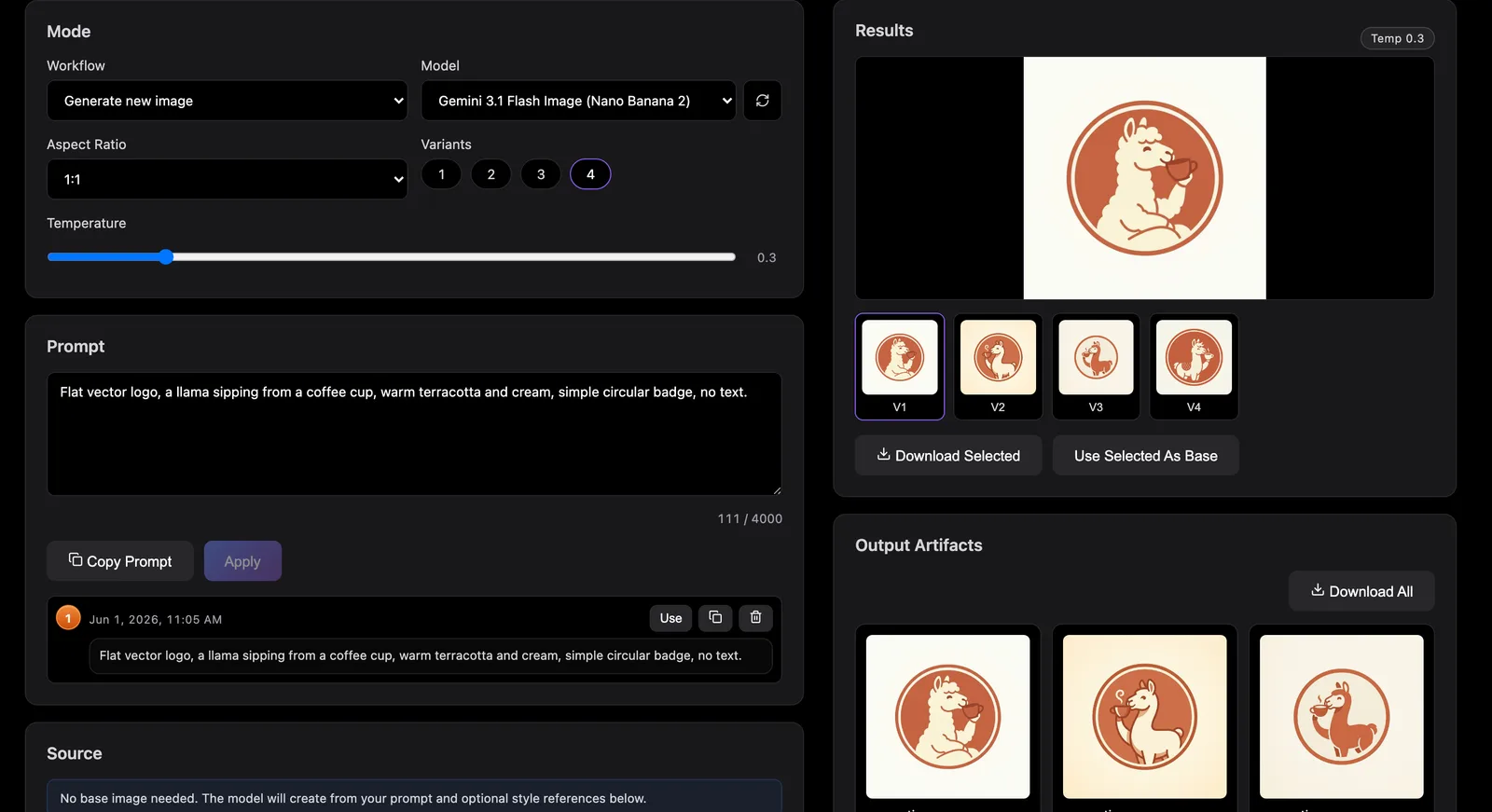
A real run, start to finish
Every picture below came out of Image Studio for Llama Bites, a made-up café, using the prompts shown. Each step builds on the last, and all of them stay in the history.


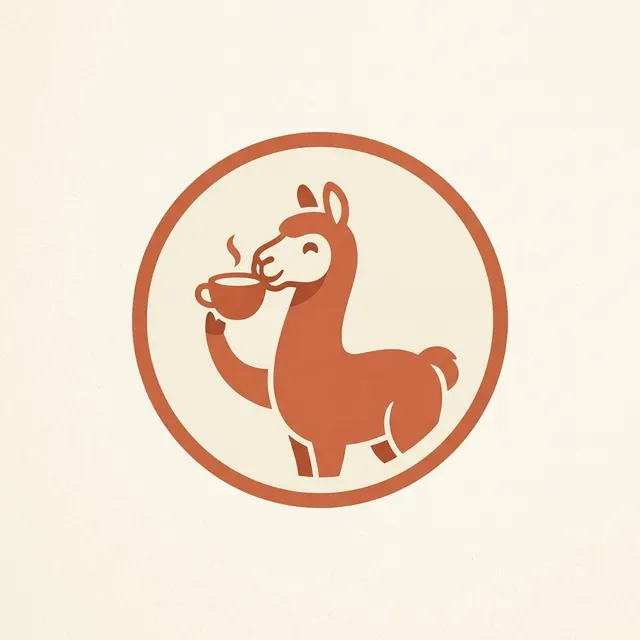
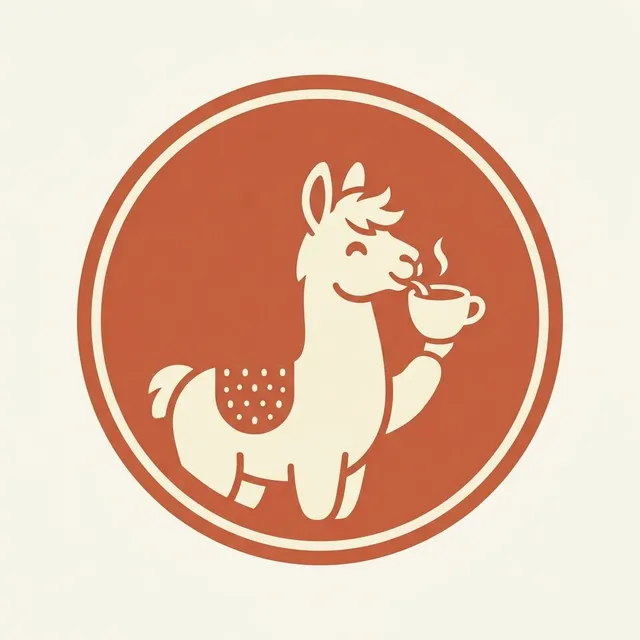
01
Flat vector logo, a llama sipping from a coffee cup, warm terracotta and cream, simple circular badge, no text.
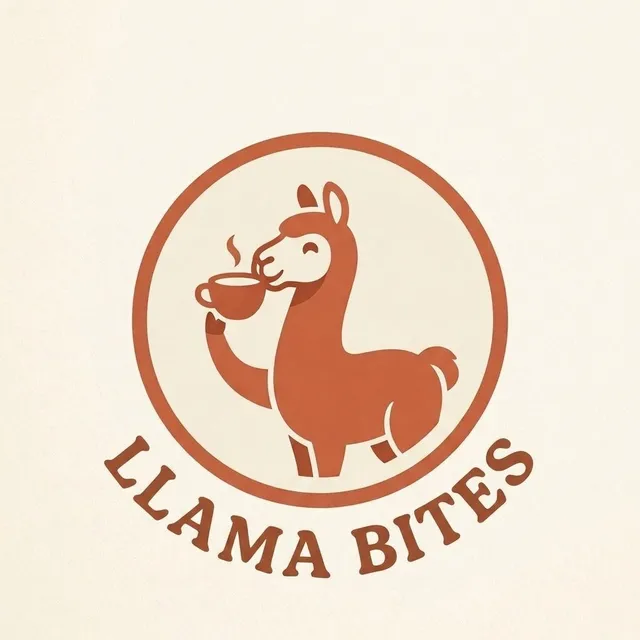
02
Add the words LLAMA BITES in a rounded serif under the badge.

03
The same logo in navy and gold.
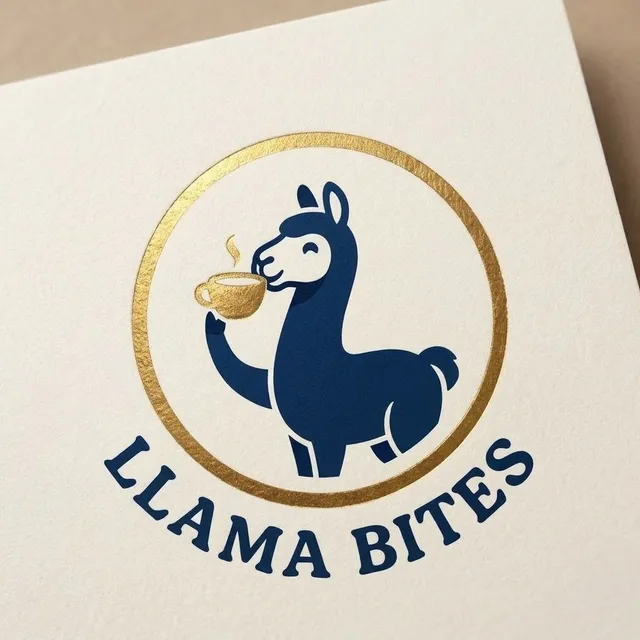
04
Pick the one you love and take it further.
How it works
01
Create a free key in Google AI Studio and paste it in. It stays in your browser; Google bills your usage at its own prices. How to get one.
02
Write a brief like you would for a designer, or start from a picture you have. Ask for up to four takes at once.
03
Use a take as the base for the next run. Every run is kept, so you can go back and branch from any of them.
What's in the studio
Upload an image and change part of it. Paint a mask, or let it find the area for you.
Add a few pictures to steer the style, so a series looks like it belongs together.
Pick per run: Nano Banana 2 for speed, Pro for detail, Lite when cost matters most.
Prompt, settings and images are saved together. Branch from any version, any time.
Download one image, a whole run, or export a project as a ZIP with its prompts.
The same studio in a phone browser: review takes, tweak a prompt, run it again.
Pricing
Everything works on the free plan; images just carry a diagonal watermark. Unlock Pro for $9.99 once and it's yours for life.
From the blog
Most AI image apps sell credits with a margin on top. Image Studio uses your own Gemini key instead. Here's the difference, and when each makes sense.
Show Gemini what you mean instead of describing it: add up to five reference images and choose how they steer the result.
Google's Gemini image models trade speed, cost and quality differently. A quick guide to choosing one per job.
Questions
So Google bills you directly at its own prices, and we never resell or mark up your usage. A key is free to create in Google AI Studio and takes about two minutes. Here's how.
Everything: every model, masks, references, history and branching, plus 500 MB of storage. The only difference is the watermark on generated images.
No watermark, on new images and everything you've already made, and 5 GB of storage. If you need more room later there's a yearly storage add-on, because storage is the one thing that costs us every month.
Images are generated in your browser with your key. The ones you keep are stored in your account so your history works across devices. Privacy notice.
Yes. The studio runs in a phone browser, so you can review takes, change a prompt and run it again away from your desk.